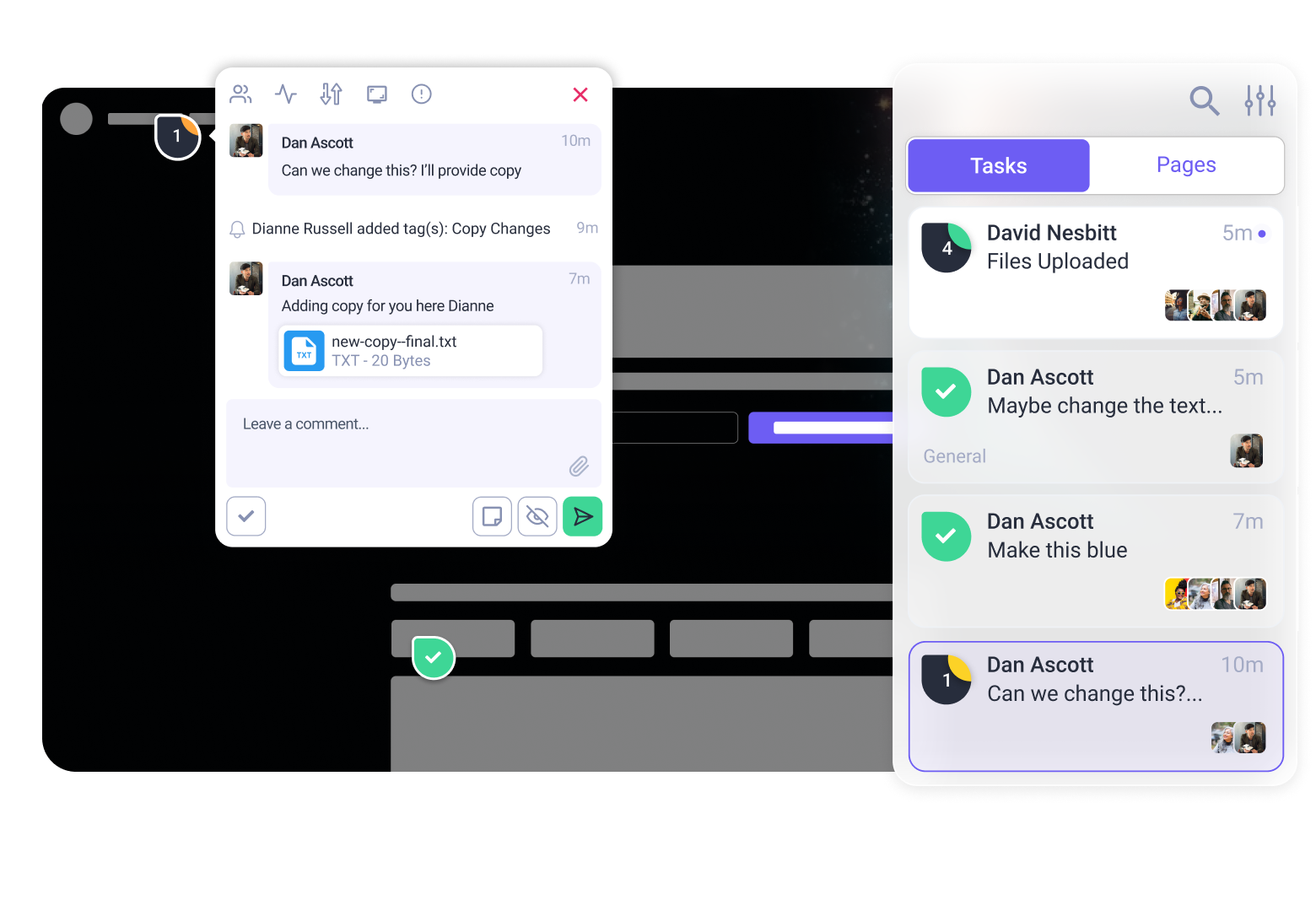


We changed so much in the last update that we almost lost track ourselves! Since last week’s update we’ve enhanced the AI-powered workflows, juiced performance and made collaboration even clearer.
See Vito’s highlights below, or visit our changelog for the full overview.
🤯 2-4x More AI Suggestions, With Even Greater Precision
The AI now goes WAY deeper on every page, with most projects getting 2-4x as many AI tasks as before. Frankly, this is a HUGE upgrade: you’ll see more suggestions from each of our AI agents, giving you even better insight on how to improve and upgrade your work.
You can immediately see the impact on any of your current projects: just run another strategic review and the InnerCircle will get to work. But that’s not all…
We’ve also completely overhauled the way the InnerCircle can see the code on your page. It’s less “a window looking into your site” and now more… “superhero-level x-ray zoom vision”.
You should notice right away that each task set by the AI agents is more accurately placed, precisely lining up with the exact element it’s talking about.
Other Big Updates This Week:
What are the big bits, you ask? Here you go:

🚦The InnerCircle prioritise their tasks
Every task the AI sets is now ranked by priority, according to the complexity and impact. Big impact, easy fix? Coloured red to grab your attention. Whether you pay attention or just get stuck in with the fun bits is up to you…
📱Quickly see which device the AI are referring to
In web development, the most glaring bugs are often only visible on one kind of device. To make it clearer which device the InnerCircle are referring to, we’ve added labels. Great for responsive design reviews!
🛑 You can finally tell the AI to stop
A handy one to keep as we lurch ever closer to the Skynet apocalypse. A new ‘Stop’ button lets you instantly halt AI operations, so you’re free to change your mind. I, for one, welcome our new AI overlords.
🤳We don’t ask you to swipe quite as much
We know being able to swipe away tasks was a really cool feature, but it wasn’t one we needed to remind you about in every project. We’ve tweaked the way we communicate this UX element: feedback warmly welcomed.
Usability and Quality of Life Enhancements
So many of these are prominent enough that it feels like a shame to bundle them under QoL. Safer Admin controls! Improved Team invite flow! If you’re using Atarim with colleagues, we think you’ll love what went live this week. Here’s a selection:
📜 Improved Page Titles in Inbox & Boards
Page titles in Inbox and Board views are much clearer, making it way easier to manage projects with lots of pages.
🔑 Safer Admin Controls
Account owners can now revoke admin access, enhancing security and workspace control.
🧹Cleaned-Up Workspace Settings
We’ve busted out the broom and bucket to tidy up the Workspace settings. Outdated rows and UI clutter has vanished!
There’s over a dozen other tweaks and fixes: see our changelog for more.
What’s Coming Next?
Here’s what we have lined up for the next few weeks, direct from our Product Team:
- Release v1 of our Figma plugin: This will tie into the upcoming Designs Collaboration experience.
- Overhauls of our WordPress plugin, Chrome Extension and Custom Sites script.
- Rebuilt Design Collaboration experience: Cleaner UX, more control and most importantly, unlocking multiple file types like PDFs, PSDs, AIs, and Figma designs.
- Cleaning up the Guest/Clients experience with some awesome user feedback we received
What Are You Waiting For? Go Try It Out!
Existing users simply need to log into their Atarim account. Haven’t signed up yet? Register and review any web project with the world’s most powerful AI creative team, absolutely free.